
Set your timezone
Backup schedules and every date in the app use your account’s timezone.
Updated Oct 6, 2026
Your timezone decides when scheduled backups run and how every date in WP Foreman is shown. It starts as New York time.
- Click your name at the bottom of the sidebar, then Settings.
- On Profile, pick your timezone and click Save.
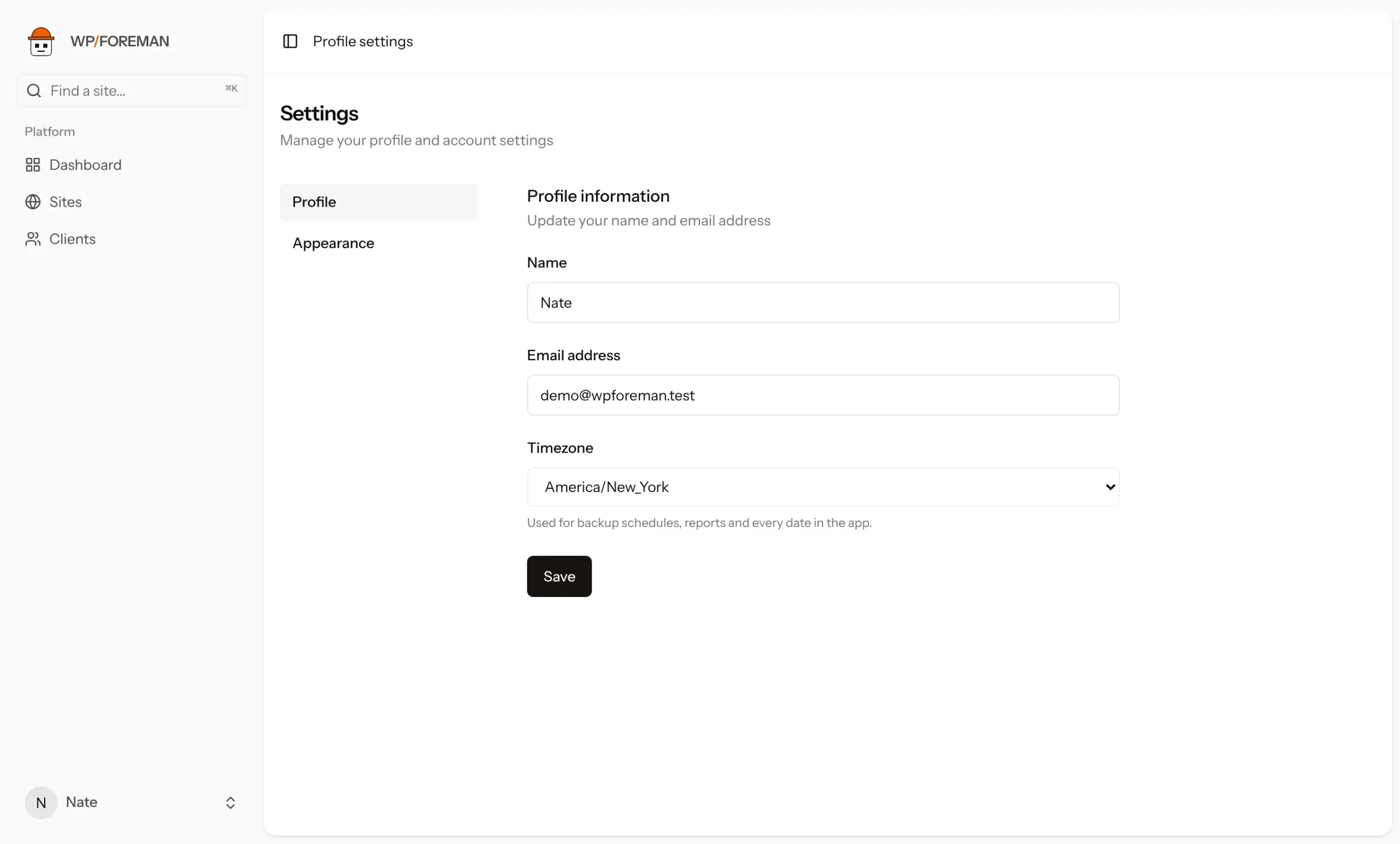
Changing your timezone moves future scheduled backups to the same local time in the new zone, for example 1am New York becomes 1am Los Angeles.
Was this helpful?
Thanks. If something was missing, tell us what.