
Use your own Anthropic key
Run the Foreman on your own Anthropic account: ask anything, pick the model, turn on web search.
Updated Oct 11, 2026
By default the Foreman runs on WP Foreman’s own AI account and sticks to WordPress topics. Add your own Anthropic API key and it runs on your account instead, without those limits.
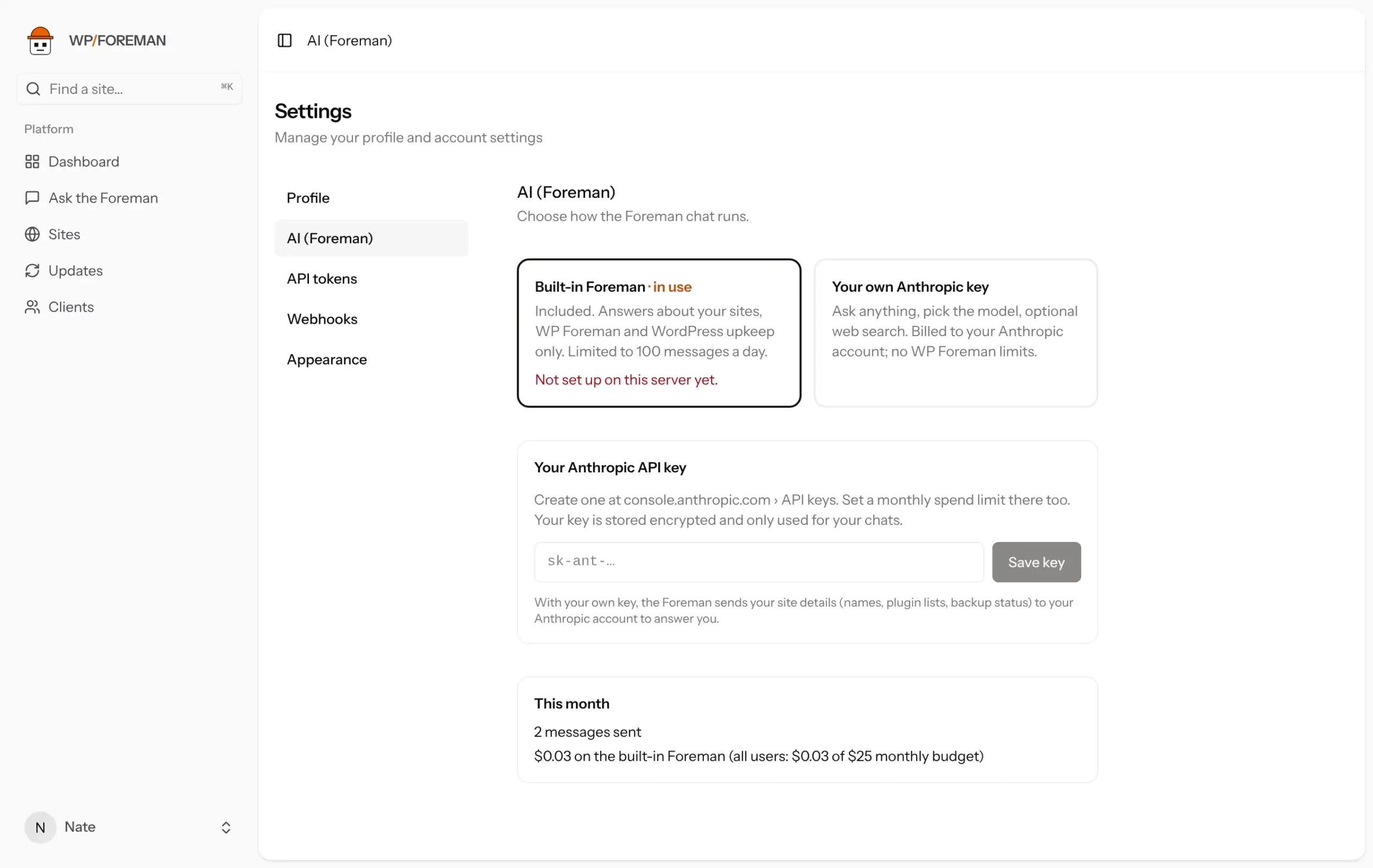
What changes with your own key
| Built-in | Your own key | |
|---|---|---|
| Topics | Your sites, WP Foreman, WordPress upkeep | Anything |
| Model | Sonnet 5.5 | Your choice: Sonnet 5.5, Opus 5.5 or Haiku 4.5 |
| Web search | No | Optional (e.g. “is there a known vulnerability in this plugin version?”) |
| Limits | 100 messages a day and a monthly allowance | None from WP Foreman; set your own in the Anthropic console |
| Billed to | Included | Your Anthropic account |
Either way, the Foreman only sees your own sites, and every change still needs your approval.
Set it up
- Create a key at console.anthropic.com › API keys, and set a monthly spend limit under Limits.
- In WP Foreman, open Settings › AI (Foreman), paste the key (it starts with
sk-ant-) and click Save key. WP Foreman checks it with Anthropic before saving. - Pick a model and decide whether to allow web search.
The key is stored encrypted and is never shown again; the page shows only its last four characters. Click Remove key to go back to the built-in Foreman.
Cost
A typical question costs about 1–3 cents on Sonnet and less on Haiku; a big fleet-wide question can be around 10 cents. Web searches cost $10 per 1,000. Settings › AI shows an estimate of this month’s spend.
Privacy: to answer you, the Foreman sends the site details it looks up (names, addresses, plugin lists, backup status) to the AI account in use. With your own key, that’s your Anthropic account.
Thanks. If something was missing, tell us what.